Our write-ups
Step-by-step solutions from CISA members. Read the write-ups, then publish your own.
A Linux system set up for learning security, one-command desktop themes, and the code behind our labs and this site. Everything is on GitHub.
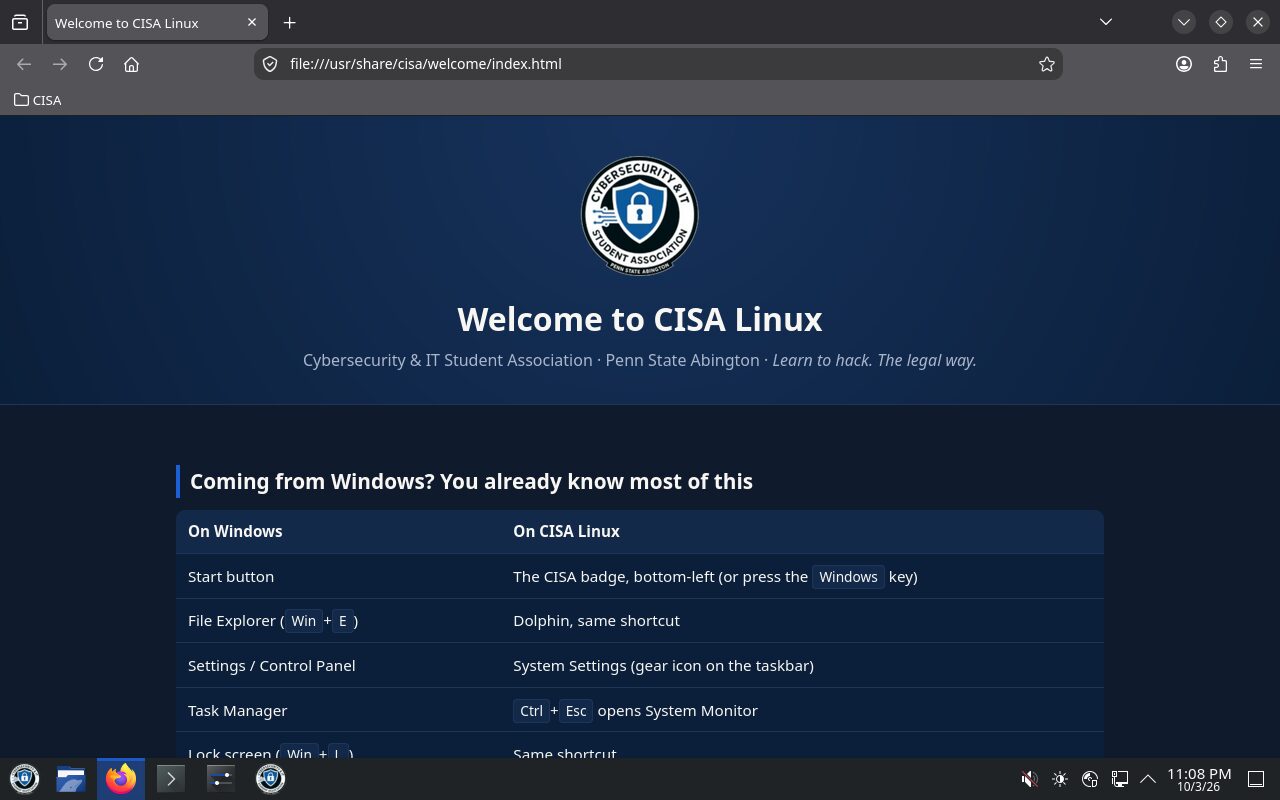
CISA Linux
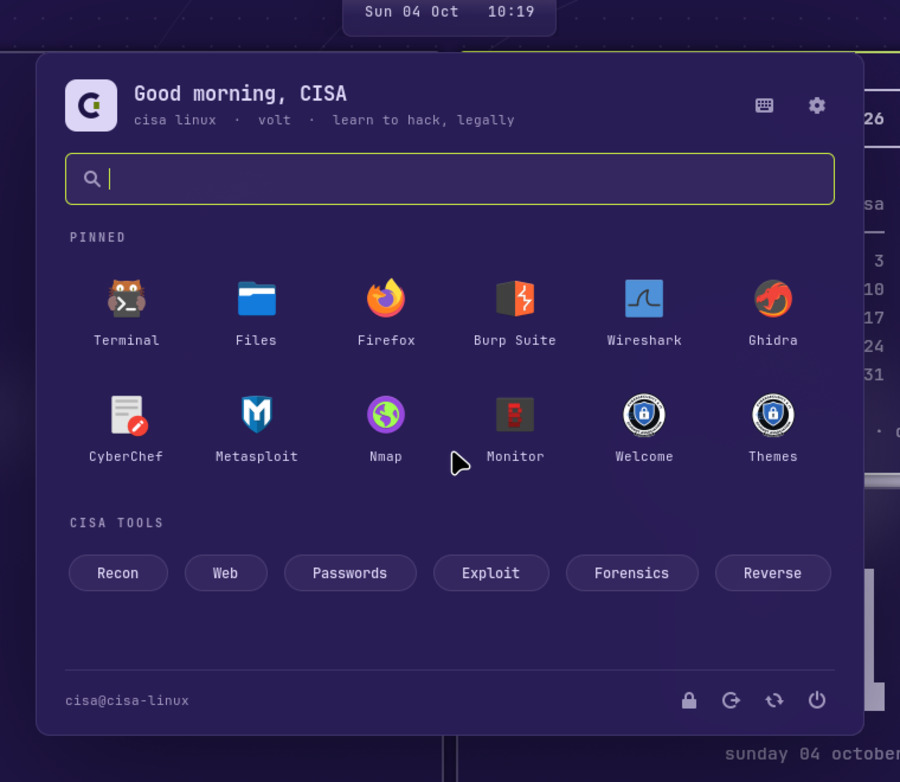
A Linux system for students who’ve only ever used Windows. The taskbar, Start menu and shortcuts work the way you expect, and the security tools from our sessions are already installed.
ISO download coming soon. Until then, ask an e-board member for a USB stick at the next session.
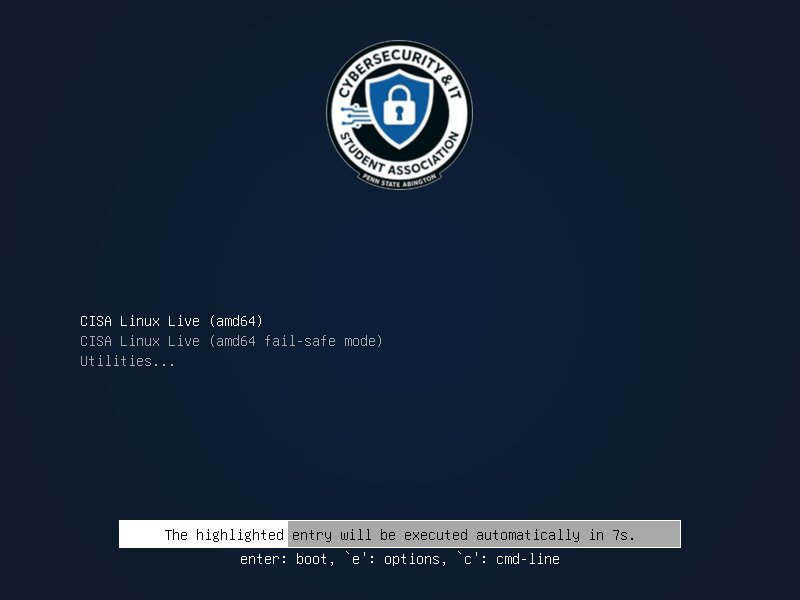
CISA Rice
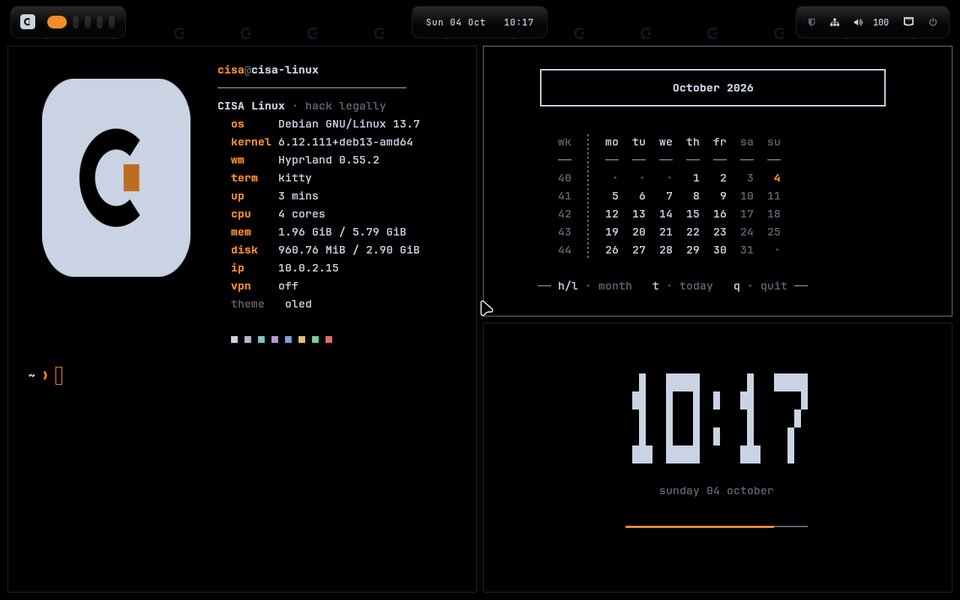
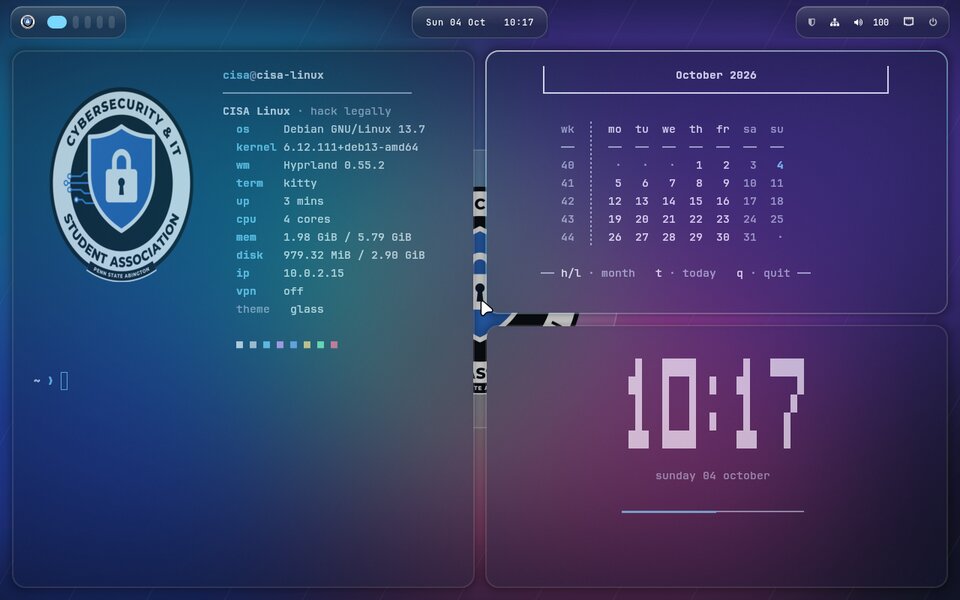
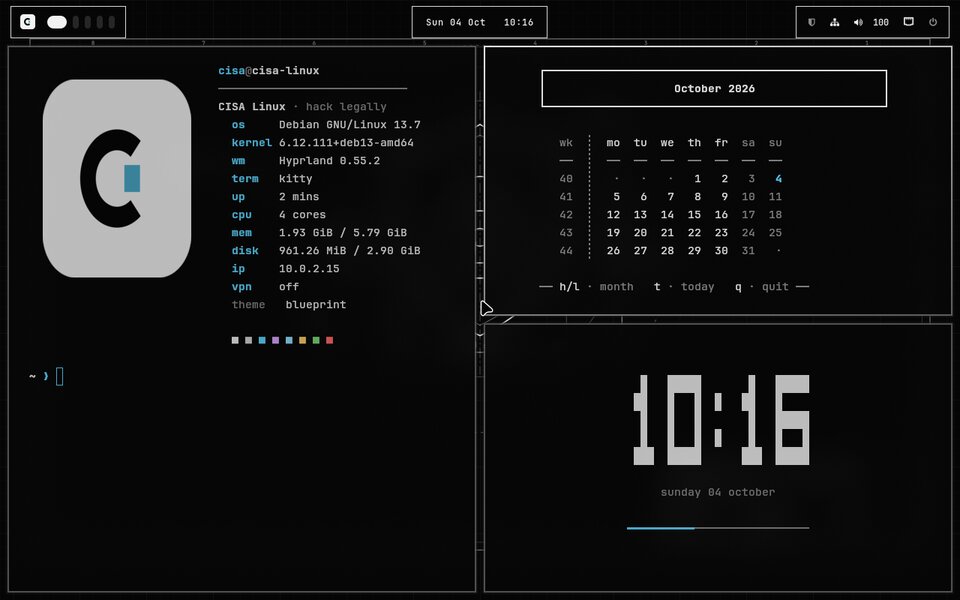
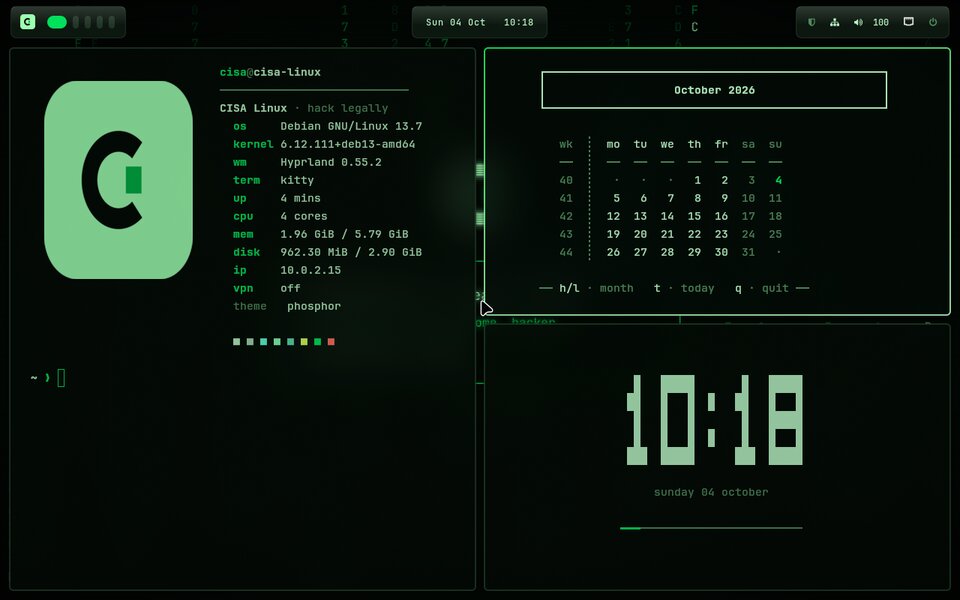
After installing CISA Linux, paste this into the terminal and pick a theme. You get a fully riced Hyprland desktop, which you choose on the login screen, and the beginner-friendly Plasma desktop changes to match. Switch themes any time with Super+Shift+T, or undo everything with --restore.
$ curl -fsSL https://raw.githubusercontent.com/psu-abington-cisa/cisa-rice/main/install.sh | bash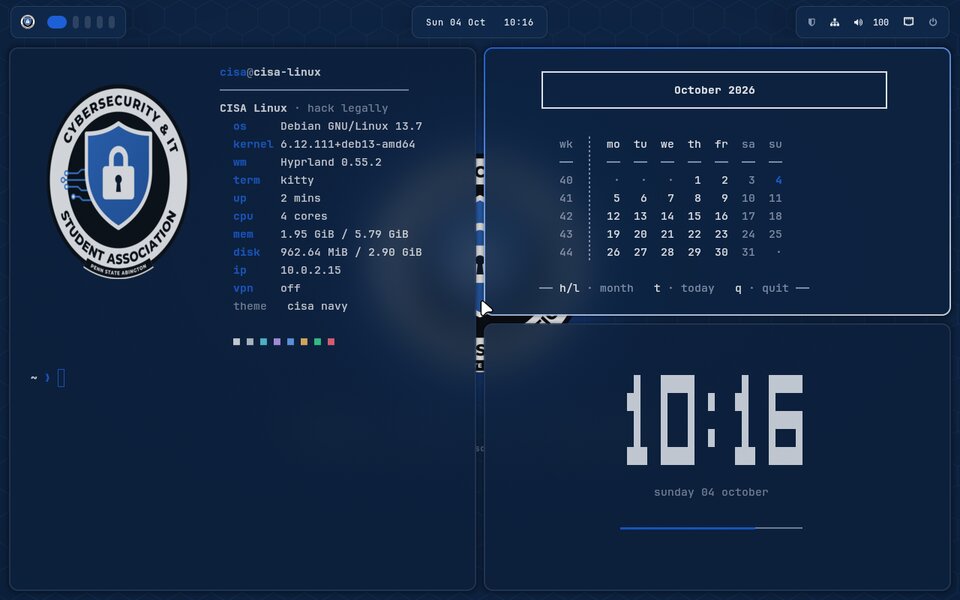
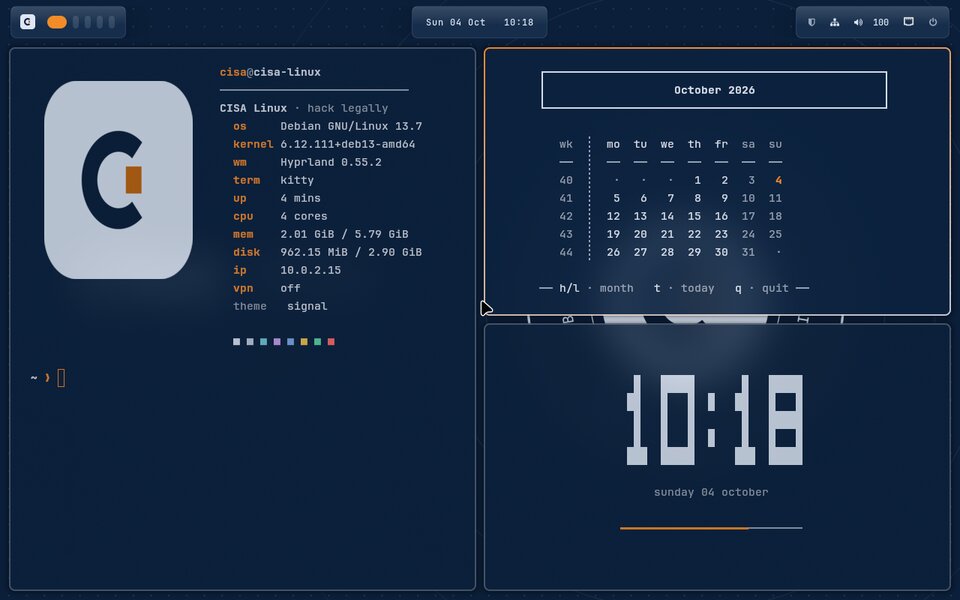
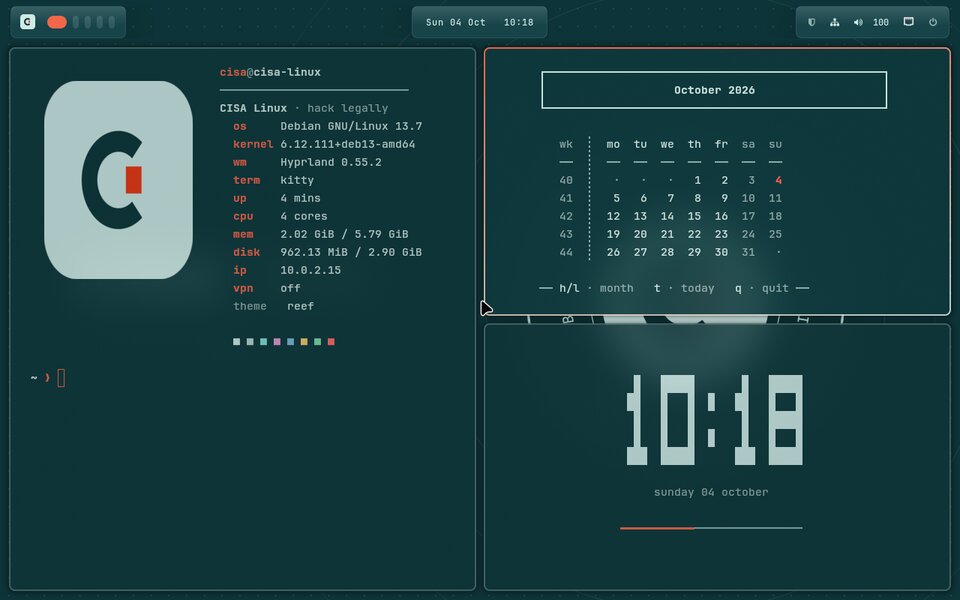
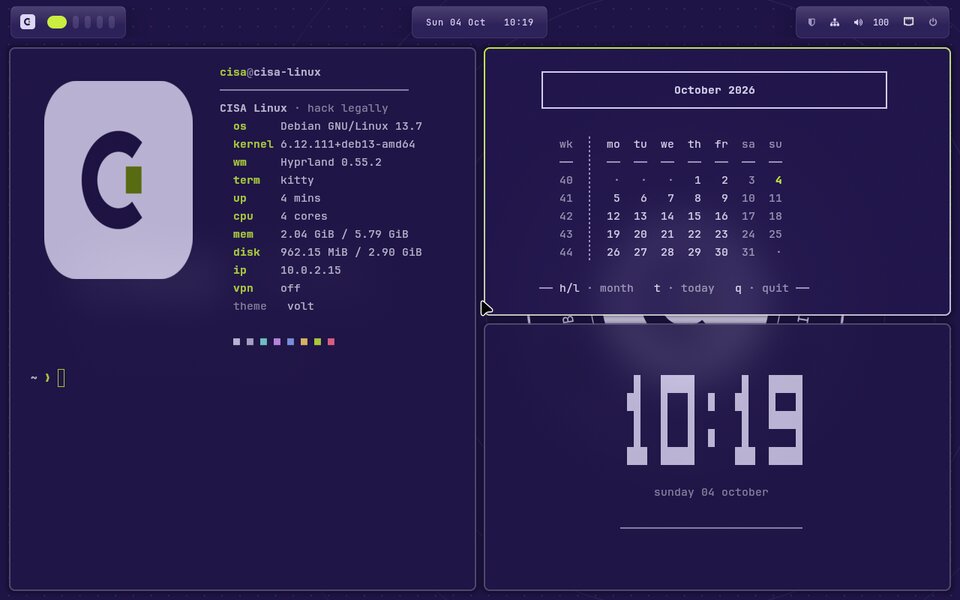
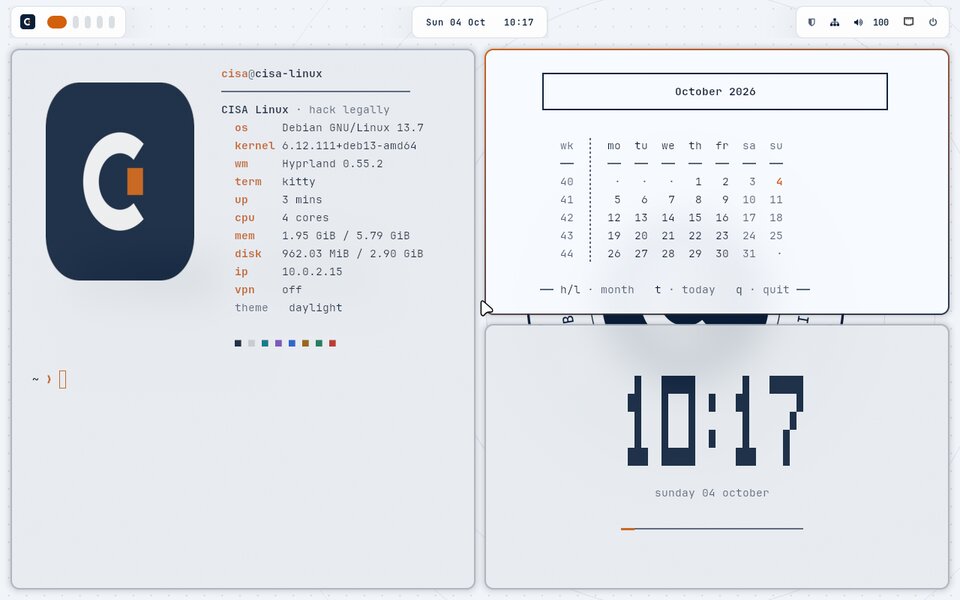
LHOST.On GitHub
The build setup for CISA Linux. One script turns Debian into the ISO.
cisa-riceA riced Hyprland desktop with nine themes, plus matching Plasma. Add your own theme by writing a single file of colors.
Found a bug or have an idea? Open an issue on the repo, or bring it to the next session.
Keep learning
Step-by-step solutions from CISA members. Read the write-ups, then publish your own.
Missed a Come Hack? Catch up on the slides and redo the lab at home.
The ones we use in sessions: TryHackMe, PortSwigger, OffSec and Hack Smarter.
Only practice on systems you own or have permission to test: these platforms, our labs, and your own VMs.
Bring your laptop to a session and we’ll get CISA Linux running with you.